
Everything Qwilo does, in one place
Built around your school syllabus, so each part of the app points at what your class is covering this term.
Term roadmap
The chapters of a term in the order they are taught. Each topic can be marked done, in progress or for later.
Animated lessons
Diagrams that show how something works. You can play, pause, replay, change the speed, and follow the subtitles.
Topic quizzes
Five multiple-choice questions with four options each, at easy, medium or advanced level. The options are shown in a different order each time, and every answer shows its working.
Exam preparation
The date of the next term test, past papers with memoranda, and quizzes built from the topics that need practice.
Subject community
A community for each grade and subject. Learners ask questions and answer each other, and the QWILO team posts discussions and notices.
Progress across devices
Your progress is the same on your phone, tablet and laptop.
A day with Qwilo
Step 1
Choose your grade and subjects
Each term's roadmap lists the topics in the order your class covers them.
Step 2
Watch a lesson, then the quiz
Each topic has short animated lessons with subtitles. A quiz follows, with instant feedback and worked answers.
Step 3
Check and revise
Quiz results show where you stand. Topics that need more work get a Revise button that opens the tutor.
Screens from the app
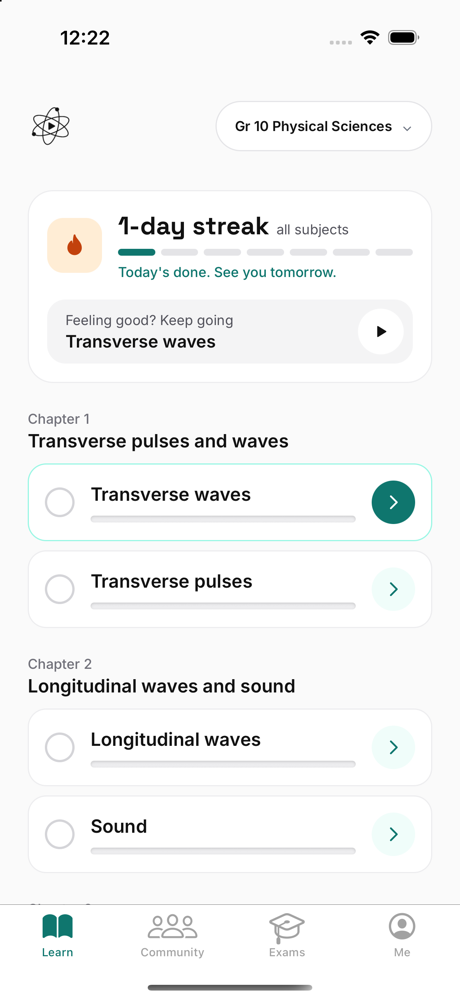
The chapters of a term in teaching order, with the status of each topic. 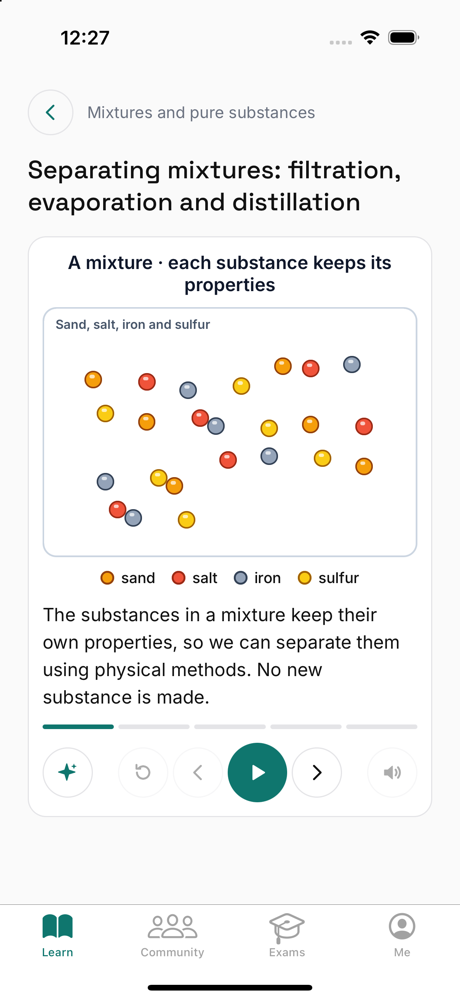
A lesson with subtitles. Pause, replay or ask the tutor. 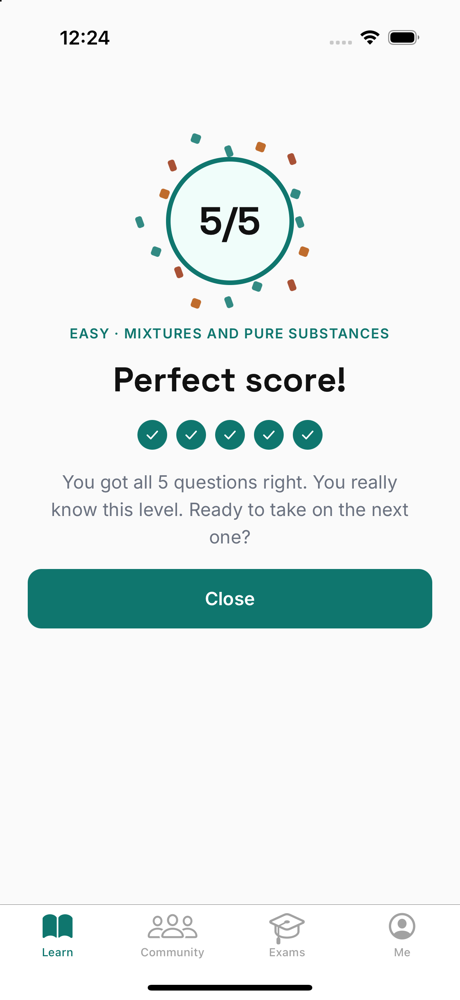
Five questions at three levels, with an instant score. 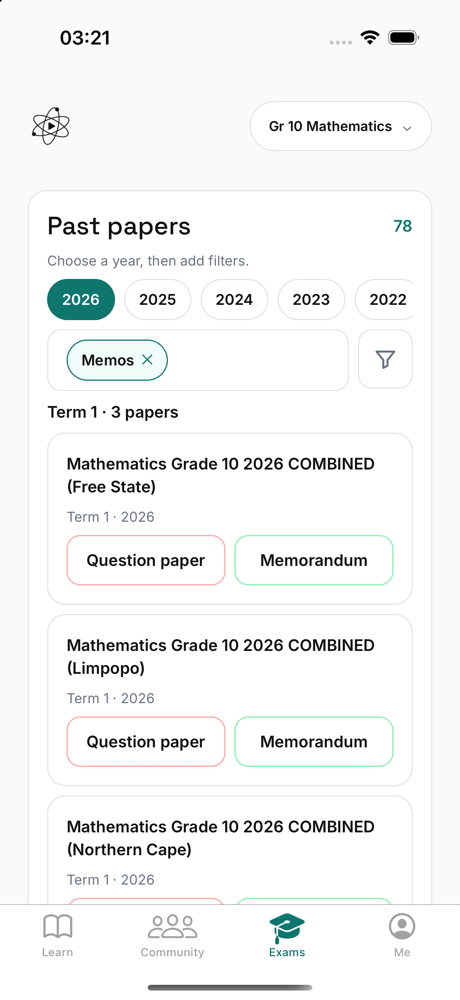
The term test date, past papers, and quizzes for the topics that need practice.
Ready to try it?
Get the app